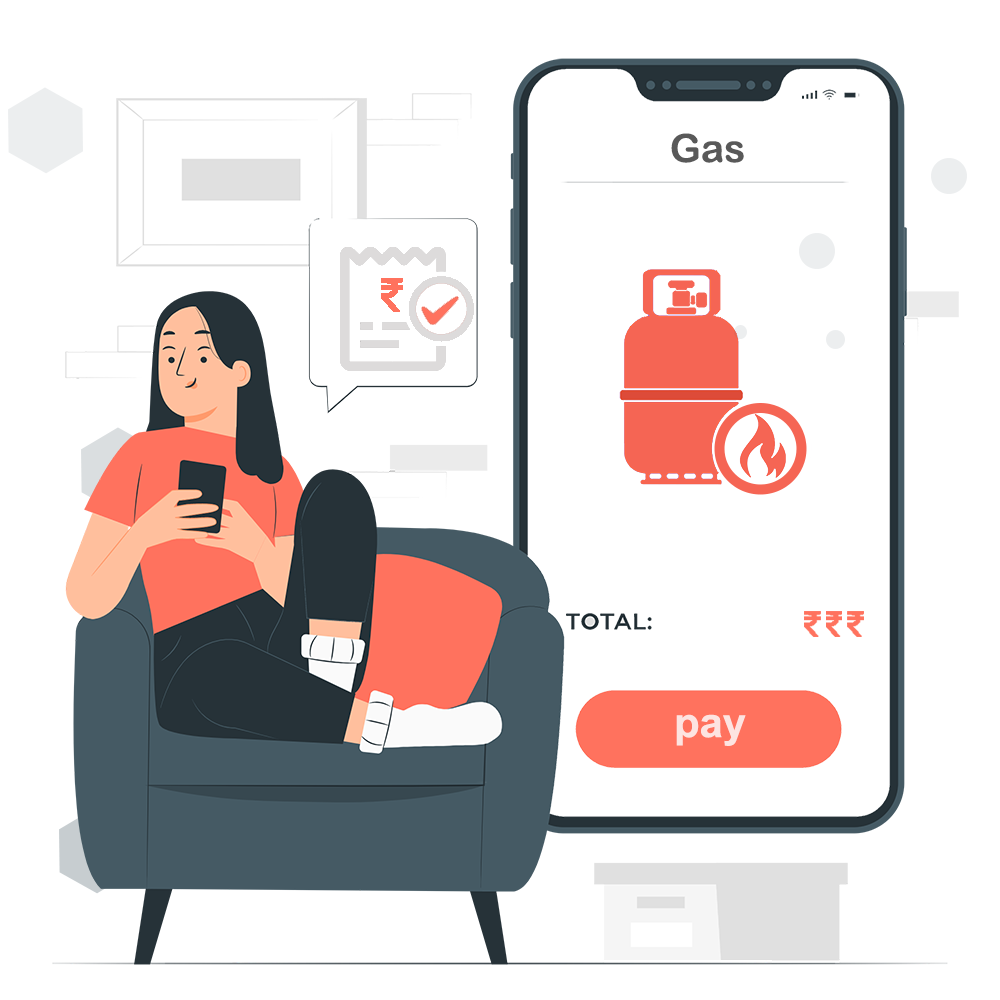
Whether it’s for your home or commercial kitchen, staying on top of your gas bill is important. UNIPAYIN makes this easier than ever with a clean and straightforward bill payment experience no long steps, no confusion, just quick and secure payments.
With just a few taps, you can clear your gas dues and enjoy uninterrupted service.
How to Pay Your Gas Bill on UNIPAYIN
Here’s how easily you can pay your gas bill:
1
Visit Website
Open the UNIPAYIN website.
2
Bill Payments
Navigate to the Bill Payments section.
3
Select Gas
Choose Gas from services.
4
Select Provider
Pick your gas provider from the menu.
5
Enter Details
Enter consumer number & mobile number.
6
Review Bill
Verify your bill details.
7
Pay Now
Complete payment securely.